
This manual provides detailed instructions for using the NEC VT580/VT480/VT58/VT48 portable projector. This manual covers installation, connection, operation, maintenance, and troubleshooting.
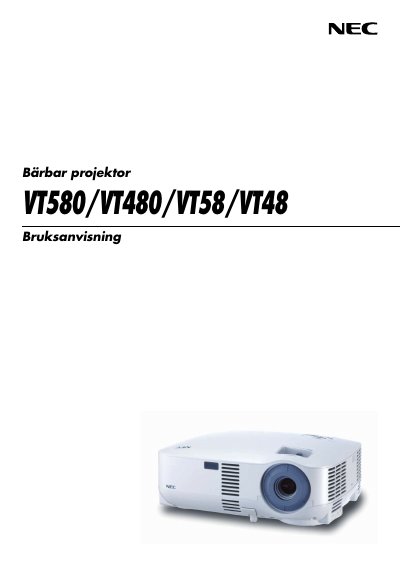
This manual provides important safety information, including warnings about electrical shock, fire risk, and proper handling of the lamp and remote control. It explains how to install the projector safely, connect it to various video sources, and configure basic settings.
The guide also covers everyday operation such as powering on, selecting sources, adjusting image size and position, using advanced functions like freeze and zoom, and performing maintenance tasks like cleaning the filter, replacing the lamp, and troubleshooting common issues. This manual is written in Swedish.