
This document is the user manual for the NEC VT670/VT570/VT470/VT47 portable projector. It contains important information, safety regulations, and precautions.
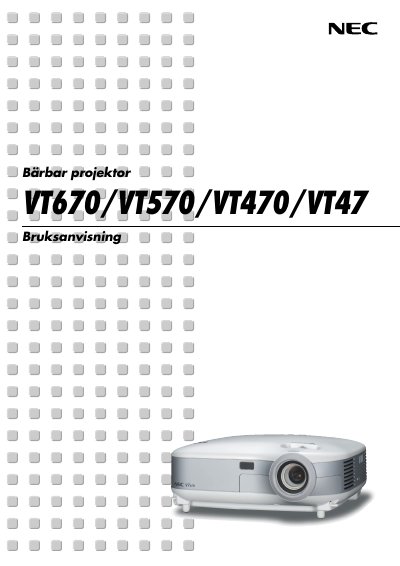
This manual begins with important safety information, warning users about electrical hazards, proper handling, and environmental restrictions. It also details how to install the projector on a stable surface, connect video sources, and ensure adequate ventilation.
Subsequent sections cover basic operation such as projecting an image, using the remote control, and adjusting picture settings. Advanced functions, menu navigation, maintenance tasks like lamp replacement and filter cleaning, and an appendix with troubleshooting, specifications, and service program details are also included. This manual is written in Swedish.
Turn the projector off, wait at least 30 seconds, switch off the main power, unplug the power cord, let it cool for 60 minutes, then replace the lamp.