
This document is about the quick setup guide for the projector V300X/V260X/V230X/V260/V230/V300W/V260W, mainly introducing how to connect power, connect computer, install projector and use projector.
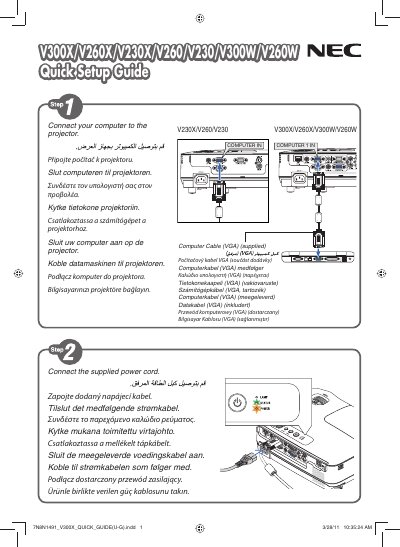
This quick user manual provides essential setup and operation instructions for NEC V300X, V260X, V230X, V260, V230, V300W, and V260W display projectors. It includes tips for optimal image adjustment and basic control functions.
The guide contains multilingual tip sections, such as how to use the AUTO ADJ button to automatically optimize the computer image, and safety notes for proper installation and use.
Press the AUTO ADJ button on the projector to automatically adjust the computer image.