
This is NEC VT46 projector user manual, it introduces the product's usage methods and precautions
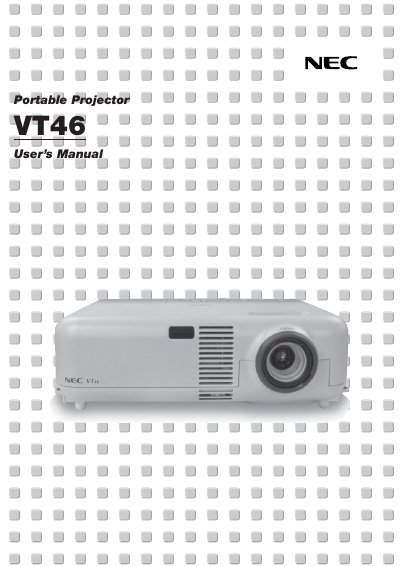
This manual introduces the NEC VT46 projector, describing its main features, safety precautions, and the contents of the packaging. It explains how to install the unit, connect video sources, and configure the on‑screen menu.
Detailed sections cover lamp replacement, cleaning, troubleshooting indicators, technical specifications, and the optional TravelCare service program. The guide is intended for end‑users and qualified technicians who need to operate or service the projector safely. This manual is written in French.
| Lamp Power | 160 W |
|---|---|
| Resolution | UXGA (1600 × 1200) |
| Power Supply | 100‑120 V or 200‑240 V, 50/60 Hz |
| Operating Noise | Low |
Follow the instructions on page F‑25, wait at least 60 seconds after power‑off, let the projector cool for 60 minutes, then replace the lamp.
Ensure adequate ventilation, keep at least 3 inches (10 cm) from walls, do not cover the lens, unplug the power cord during storms, and avoid placing heavy objects on the unit.