
This document is the user's manual for NEC VT37 projector. It introduces the product's usage methods, safety precautions, etc.
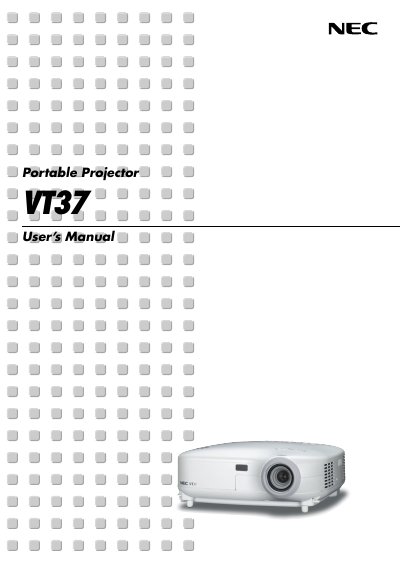
This manual covers important safety precautions, installation guidelines, and basic operation of the NEC VT37 projector. It includes detailed sections on connecting video sources, adjusting picture settings, and using on‑screen menus.
Additional chapters describe convenient features, maintenance tasks such as lamp replacement and filter cleaning, and an appendix with specifications and service information.
| Power Supply Voltage | 100‑240V AC 50/60 Hz |
|---|
Place the projector on a flat, level surface in a dry area away from dust and moisture, and avoid direct sunlight or heat sources.
Do not open the cabinet; servicing must be performed by qualified NEC service personnel.
Turn off the projector, wait at least 30 seconds, disconnect the power cable, and allow 60 minutes for cooling before replacing the lamp.
Reorient or relocate the receiving antenna, increase separation between equipment and receiver, or connect to a different circuit.