
This is a manual for VT46 projector safety instructions.
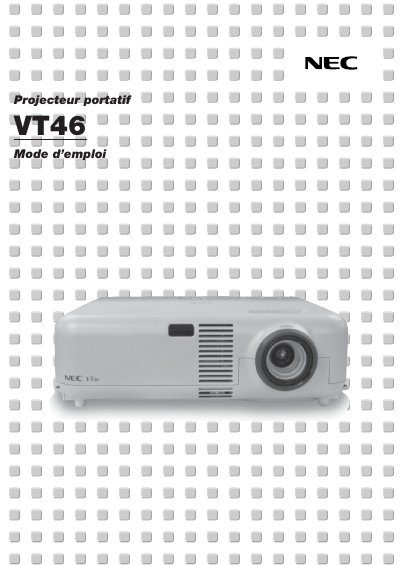
This manual introduces the NEC VT46 projector, describing its main features, remote control layout, and the components included in the box. It explains how to install the unit safely, connect video sources, and configure basic settings such as image size, keystone correction, and audio levels.
Detailed sections cover operating the on‑screen menu, adjusting picture parameters, performing routine maintenance like lamp replacement and filter cleaning, troubleshooting common error indicators, and technical specifications such as power requirements, lamp power, and maximum image size. This manual is written in French.
| Lamp Power | 160 W |
|---|---|
| Resolution | UXGA (1600 × 1200) |
| Noise Level | Low operating noise |
Ensure adequate ventilation, keep at least 3 inches (10 cm) from the wall, avoid direct sunlight, keep liquids away, and do not place heavy objects on the projector.