
This is a NEC VT45 projector user manual, which contains product usage instructions, warranty terms, etc.
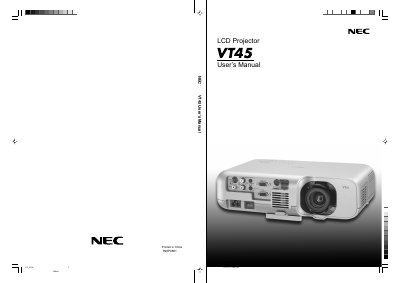
This manual introduces the NEC VT45 LCD projector, outlines safety precautions, and provides step‑by‑step installation guidance for tabletop or ceiling mounting. It also explains power requirements, lamp handling, and cleaning procedures to ensure long‑term reliability.
The guide details how to operate the projector, adjust image settings, use remote control functions, and troubleshoot common issues. Technical specifications such as supported video resolutions, lamp power options, and power supply voltage are listed for reference.
| Power Supply Voltage | 100‑120 V or 200‑240 V AC, 50/60 Hz |
|---|---|
| Lamp Wattage | 130 W NSH lamp |
| Lamp Life (Eco 2 mode) | up to 2000 hours |
| Supported Resolution (example) | VESA 1024 × 768 |
| Lens Shift | Horizontal/vertical up to 1/3 of width/height |
Replace the lamp when the message appears, wait at least 60 seconds after power‑off, disconnect the power cable, and allow 60 minutes to cool before removing the lamp.
The projector operates on a 100‑120 V or 200‑240 V AC power source at 50/60 Hz.
When using Eco 2 mode, the lamp life can be extended to up to 2000 hours.