
This is a user manual for NP3250/NP2250/NP1250/NP3250W projectors
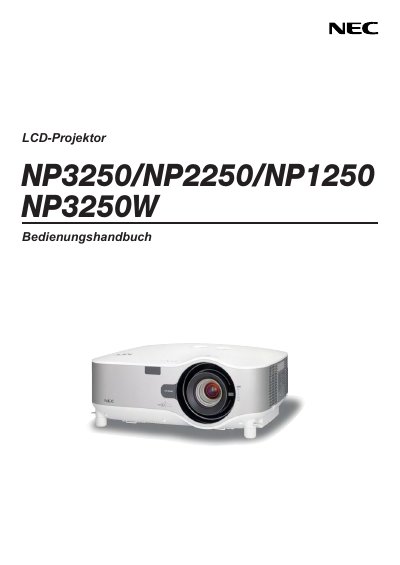
This reference manual covers essential safety information, proper installation, and operating procedures for the NEC NP3250, NP2250, NP1250 and NP3250W LCD projectors. It explains how to handle the device safely, including power connection, ventilation, and handling of the high‑pressure mercury lamp.
The guide also details optional accessories such as the wireless USB LAN adapter, lamp replacement steps, and the TravelCare service program. Service and warranty conditions are described, along with disposal and environmental requirements. This manual is written in German.
| Operating voltage | 100‑240 V AC, 50‑60 Hz |
|---|---|
| Lamp type | High‑pressure mercury lamp |
| Maximum tilt angle | 10° |
Replace the lamp when the message indicating the end of its life appears, following the instructions on page 136 and using qualified service personnel.
Read the manual carefully, install the projector on a stable surface away from moisture, ensure proper ventilation, and have ceiling installations performed by qualified service personnel.
The projector operates on an input voltage of 100 V to 240 V AC at 50 Hz or 60 Hz.