
This document is a setup guide for NEC-Projektor NP3250/NP2250/NP1250/NP3250W, which describes the features and characteristics of the product, as well as the instructions for use.
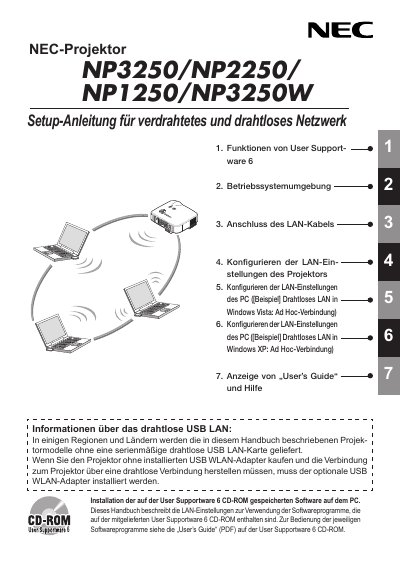
The handbook provides step‑by‑step instructions for configuring both wired (RJ‑45) and wireless USB LAN adapters on NEC NP3250 series projectors. It covers installation of the optional USB WLAN adapter, LAN cable connection, and the required software from the User Supportware 6 CD‑ROM.
In addition, the manual lists technical specifications of the USB WLAN adapter (model NPO1LM), safety warnings, FCC and regional compliance information, and recommended security settings such as WPA‑PSK/WPA2‑EAP. This manual is written in German.
| Product name | NPO1LM3 |
|---|---|
| Operating voltage | 5 V (projector supplied) |
| Maximum current (transmit) | 472 mA |
| Maximum current (receive) | 300 mA |
| Supported Wi‑Fi standards | IEEE 802.11a / 802.11b / 802.11g |
| Modulation methods | CCK / DQPSK / DBPSK / OFDM |
| Interface | USB 2.0 (projector USB WLAN port) |
| Dimensions (W × H × L) | 28 mm × 111 mm × 77 mm |
| Weight | 19 g |
| Operating temperature / humidity | 5 °C – 40 °C, 20 % – 80 % RH (non‑condensing) |
Use the “Konfigurieren der LAN‑Einstellungen des Projektors” section to set up either a wired RJ‑45 connection or a wireless USB LAN adapter, following the step‑by‑step instructions.
The adapter supports WPA‑PSK, WPA‑EAP, WPA2‑PSK and WPA2‑EAP security modes.