
This document is a configuration guide for NEC NP3250/NP2250/NP1250/NP3250W projectors, which explains how to set up wired and wireless network connections and how to configure LAN using the included software.
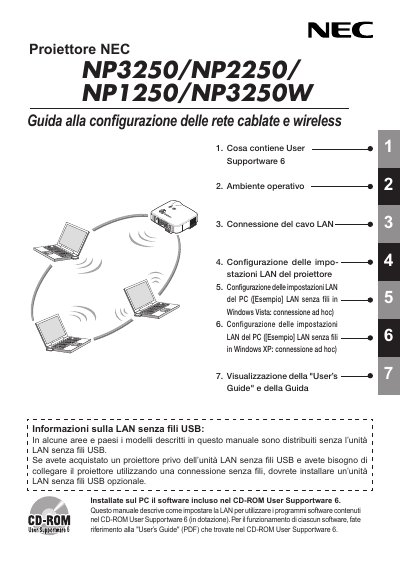
The NEC NP3250 series projectors include a built‑in RJ‑45 LAN port and an optional USB wireless LAN unit (model NPO1LM). This guide walks you through installing the USB unit, configuring the projector’s network settings, and using the included User Supportware 6 software on a PC.
It also covers regulatory compliance, safety precautions, and technical specifications of the USB wireless LAN unit, such as supported Wi‑Fi standards, power requirements, and environmental limits. This manual is written in Italian.
| Product name | NPO1LM3 |
|---|---|
| Operating voltage | 5 V (provided by projector) |
| Maximum Tx current | 472 mA (max) |
| Maximum Rx current | 300 mA (max) |
| Wireless standards | IEEE 802.11a/b/g |
| Data rate | 54/48/36/24/18/12/9/6 Mbps |
| USB interface | USB 2.0 |
| Dimensions (W × H × L) | 28 mm × 11 mm × 77 mm |
| Weight | 19 g |
| Operating temperature | 5 °C to 40 °C, 20‑80 % RH (no condensation) |
| Storage temperature | -10 °C to 50 °C, 20‑80 % RH (no condensation) |