
This is a network configuration guide that describes how to configure NEC NP3250/NP2250/NP1250/NP3250W projector's network connection
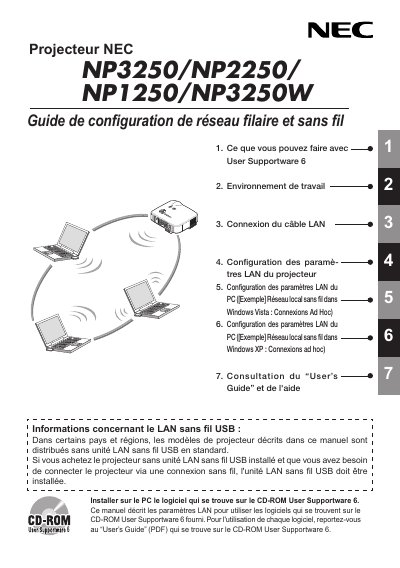
The document provides step‑by‑step instructions for configuring the LAN Ethernet port and the optional USB wireless LAN unit on NEC projectors. It covers software installation from the User Supportware 6 CD, network parameter settings on the projector, and PC configuration for both Windows Vista and Windows XP.
Additional sections include safety and regulatory information, FCC compliance guidelines, a list of supported wireless standards, and technical specifications of the LAN USB unit. The guide also points users to the full User’s Guide PDF for detailed operation of the included utilities. This manual is written in French.