
This document describes how to set up WPA security on the NEC NP3250/NP2250/NP1250/NP3250W projector, including WPA-PSK, WPA2-PSK, WPA-EAP and WPA2-EAP.
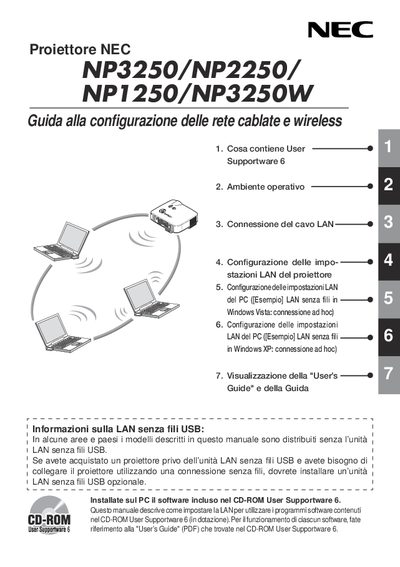
This guide explains how to set up the built‑in LAN port and the optional USB LAN wireless unit for NEC NP3250, NP2250, NP1250 and NP3250W projectors. It covers connection of the LAN cable, configuration of the projector’s LAN settings, and PC side setup for both Windows Vista and Windows XP.
The document also provides safety information, FCC compliance notes, and detailed specifications for the USB LAN unit (model NPO1LM), including wireless standards, power requirements, dimensions, and operating temperature ranges. This manual is written in Italian.
| Product name | NPO1LM3 |
|---|---|
| Operating voltage | 5 V (powered by the projector) |
| Maximum current (transmit) | 472 mA |
| Maximum current (receive) | 300 mA |
| Wireless standards | IEEE 802.11a/b/g |
| Dimensions (W×H×L) | 28 mm × 11 mm × 77 mm |
| Weight | 19 g |
It supports IEEE 802.11a, IEEE 802.11b and IEEE 802.11g.
It receives 5 V power supplied directly from the projector.
The maximum transmit current is 472 mA.