
This document introduces the network setup methods of NEC NP3250/NP2250/NP1250/NP3250W projectors, including wired and wireless connections.
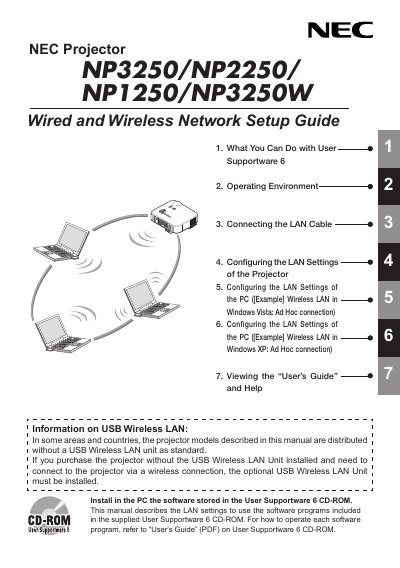
The Network Setup Guide provides step‑by‑step instructions for connecting a projector to a LAN, either by Ethernet cable or by using the optional USB Wireless LAN Unit. It covers LAN cable connection, wireless LAN configuration on the projector, and PC side settings for both Windows Vista and Windows XP ad‑hoc networks.
The guide also includes safety and regulatory information for the USB Wireless LAN Unit (model NPO1LM), such as FCC compliance, SAR limits, channel restrictions for North America, and handling precautions. Technical specifications of the unit are listed in the specifications section.
| Product Name | NPO1LM3 |
|---|---|
| Operating Voltage | 5 V (power supplied from the projector) |
| Maximum Current (Tx) | 472 mA |
| Wireless Standard | IEEE 802.11a, IEEE 802.11b, IEEE 802.11g |
| Modulation Method | CCK/DQPSK/DBPSK/OFDM |
| Interface | USB 2.0 (connected to USB wireless LAN port on the projector) |
| Dimensions (W × H × L) | 28 mm × 7.11 mm × 77 mm |
| Weight | 19 g (0.042 lb) |
| Operating Temperature | 41 °F to 104 °F (5 °C to 40 °C) |
The unit operates at 5 V supplied from the projector.