
The document describes the features and characteristics of the NP-M350X, NP-M300X, NP-M260X, NP-M230X, NP-M420X, NP-M420XV, NP-M300W, NP-M260W, NP-M350XS, NP-M300XS, NP-M260XS, NP-M300WS, NP-M260WS projectors.
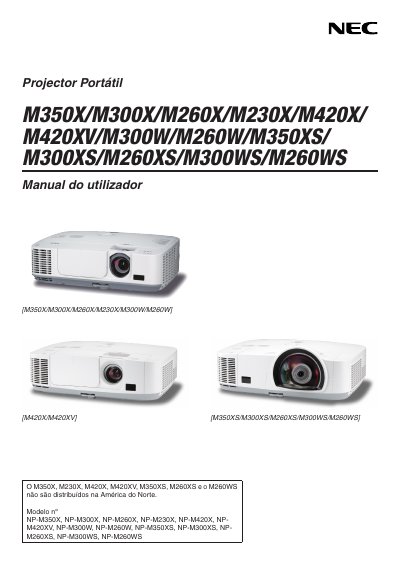
This manual contains important safety information for the NEC M260X projector. Users are instructed to read the guide carefully before operation, avoid touching high‑voltage components, keep the device away from water, moisture and direct sunlight, and ensure proper ventilation with at least 10 cm clearance around the unit. Service work must be performed only by qualified technicians.
Installation and usage sections cover connecting the power cable (100‑240 VAC, 50/60 Hz), setting up the projector on a stable surface or ceiling, lamp replacement with the specified mercury lamp, and configuring fan modes. For high‑altitude installations (above ~1600 m) the FAN MODE should be set to HIGH ALTITUDE to prevent overheating. The manual also details how to adjust picture geometry, zoom, and other user functions.
| Power supply | 100‑240 VAC, 50/60 Hz |
|---|---|
| Lamp type | Mercury lamp |
| Fan mode options | AUTO, HIGH, HIGH ALTITUDE |
| High‑altitude setting threshold | ≈1600 m above sea level |
Connect the projector to a 100‑240 VAC, 50/60 Hz power source and never disconnect the power cord while the unit is on. Use only the supplied power cable and keep the cord away from heat or sharp objects.
The projector uses a high‑pressure mercury lamp. When the on‑screen message indicates the lamp has reached the end of its usable life, replace it with the specified lamp and filter according to the instructions on page 7.