
This is a user manual for NEC LT158/LT157 projector
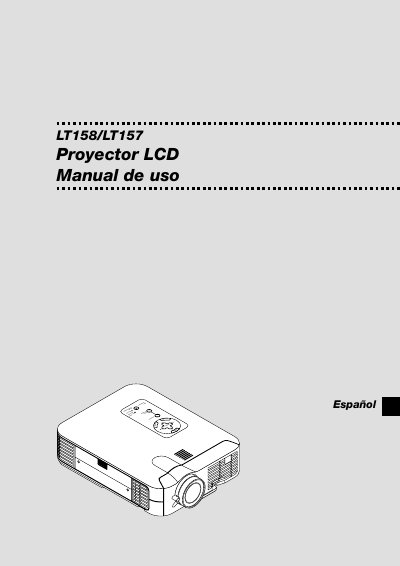
This manual introduces the NEC LT158/LT157 projector, covering safety precautions, proper installation on a flat, dry surface, and recommended ventilation clearances. It explains power requirements, lamp handling, and how to connect video sources such as PC, Macintosh, DVD, and VCR.
Operational sections describe menu navigation, image adjustments (brightness, contrast, keystone, color), USB mouse support, and PC Card Viewer functions. Maintenance guidance includes lamp replacement and filter cleaning, while the troubleshooting chapter lists common error messages and solutions. The specifications chapter lists optical, electrical, and mechanical data, including supported input resolutions and lamp power. This manual is written in Spanish.
| Lamp power | 130 W |
|---|---|
| Maximum projection size | 300 inches diagonal |
| Supported resolution (max) | UXGA 1600 × 1200 |
| Ventilation clearance | at least 10 cm (3 inches) from wall |
Install the projector on a flat, dry surface away from direct sunlight, heat sources, and ensure the power cord is unplugged before servicing. Keep at least 10 cm clearance from walls for ventilation.
Wait at least one minute after turning the projector off before removing the lamp, avoid touching broken glass, and contact an NEC qualified service technician for replacement.
Leave a minimum of 10 cm (about 3 inches) between the projector and the wall to allow proper airflow.