
This document is an instruction manual for the LVT0850-008A [B] FM MODE AUDIO/VIDEO CONTROL RECEIVER RX-5022RSL DVD VCR TV SOUND ADJUST RX-5022R AUDIO/VIDEO CONTROL RECEIVER. It includes information on how to use the product, warnings, cautions, and other important instructions. The model and serial numbers of the product should be retained for future reference.
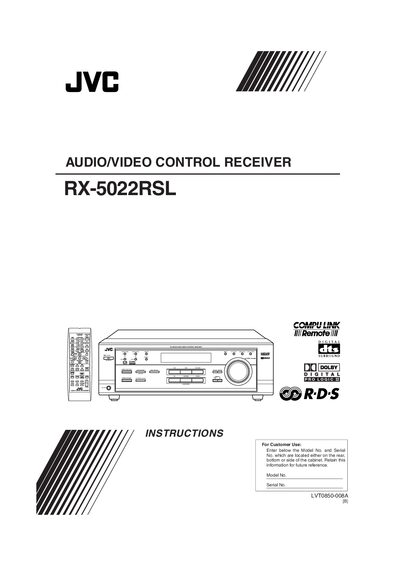
This manual explains how to install, connect and safely operate the JVC RX-5022RSL audio/video control receiver. It includes safety warnings, wiring diagrams, remote‑control setup and power‑on procedures.
The guide covers speaker and antenna connections, analog and digital audio/video inputs, COMPU LINK remote control features, sound‑adjustment settings, tuner functions and detailed troubleshooting steps, plus the technical specifications of the amplifier and inputs.
| Front channel output power (stereo) | 100 W RMS per channel into 8 Ω |
|---|---|
| Center channel output power | 100 W RMS into 8 Ω |
| Audio input sensitivity / impedance (1 kHz) | 220 mV / 47 kΩ |
Insert two R6P (SUM‑3)/AA (15F) dry‑cell batteries, matching polarity, and replace the battery cover.
Make sure the power cord is plugged into an AC outlet, then try turning the unit on again.
Connect the DVD player's digital coaxial output to the DIGITAL 1 (DVD) terminal and also connect its video output to the video jack on the rear panel.