
This document is a product manual that explains how to connect and operate the product. It also provides assistance for product hook-up and use. It includes safety information and precautions to ensure safe use of the product.
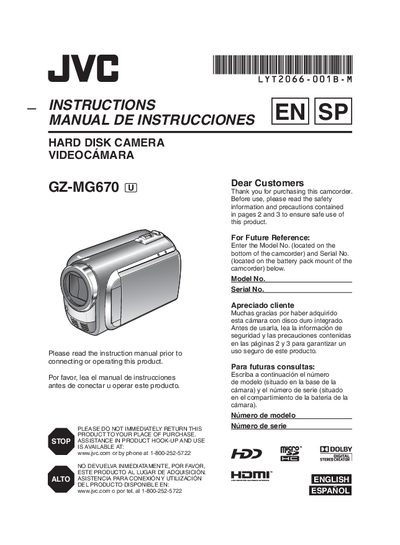
This manual covers safety precautions, battery charging, and basic setup for the JVC GZ-MG670 hard‑disk camcorder. It explains how to attach the battery pack, use the AC adapter, set date/time, language, and insert a microSD card.
It also details video and still image recording, playback functions, menu settings, TV connections, file management, copying to DVD, and troubleshooting tips. The document ends with specifications and FCC compliance information.
| Model Number | GZ-MG670U |
|---|---|
| Battery type | CR2025 (Panasonic, Sanyo, Sony, Maxell) |
| AC Adapter input voltage | 110 V – 240 V |
Charge the battery pack using the AC adapter until the power/charge lamp stops blinking, indicating charging is finished.
Only JVC battery packs are recommended; using other packs may void safety and performance guarantees.
Do not expose the unit to rain or moisture, and avoid using it in bathrooms or other wet environments.