
The ST20-JPI parallel port to JTAG interface is a host interface to allow connection from a PC parallel port to any JTAG diagnostic controller based ST20 development board.
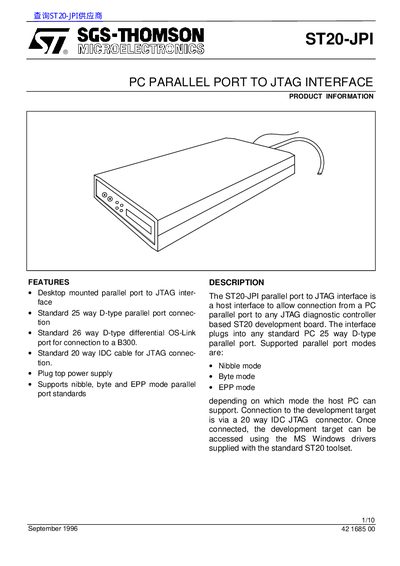
The ST20‑JPI Parallel Port to JTAG Interface is a host adapter that connects a PC's standard 25‑way D‑type parallel port to any ST20 development board via a 20‑way IDC JTAG connector. It supports nibble, byte and EPP parallel‑port modes and provides a differential OS‑Link port for Ethernet‑based B300 connections.
The manual covers hardware installation on a PC or B300, power‑supply connection, connector pin‑outs, and recommended target circuitry. It also includes ordering information and field‑support contacts for SGS‑Thomson Microelectronics.
| Parallel port connector | Standard 25 way D-type |
|---|---|
| Differential OS‑Link connector | Standard 26 way D-type |
| JTAG connector cable | Standard 20 way IDC |
| Power supply voltage range | 8‑13 V DC |
It supports nibble, byte and EPP parallel‑port modes.
The power supply accepts 8 V to 13 V DC.
The JTAG connector is a 20‑pin male IDC header.
It is used to connect the ST20‑JPI to a B300 instead of a parallel port.