
This document is an instruction manual for Olympus digital camera, providing information on camera usage, accessories, and product features.
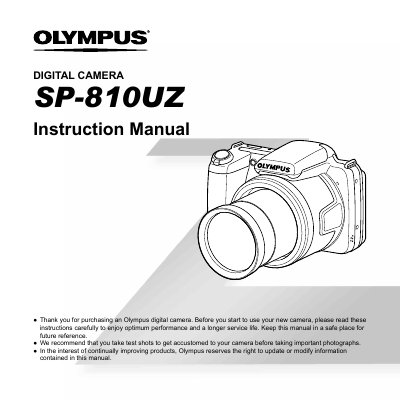
This manual begins with a checklist of items included in the camera box, such as the strap, lens cap, battery (CB‑USB8), USB and AV cables, and an adapter. It also explains the layout of the camera’s controls, including the monitor, buttons, wheel controller, and HDMI micro connector.
The guide then details how to attach the strap and lens cap, use the menu system, select shooting modes, adjust settings like ISO, white balance, and exposure compensation, and operate playback functions. Additional sections cover battery checking, flash operation, macro shooting, and other common functions.