
This document is an instruction manual for a digital camera, including safety precautions, camera part names, and basic shooting and playback steps. It is recommended to take test shots before taking important photographs to familiarize yourself with the camera. The screen and camera illustrations in this manual may differ from the actual product. The contents are based on firmware version 1.0 for this camera, and any additional functions or modifications due to firmware updates may differ. For the latest information, please visit the Olympus website.
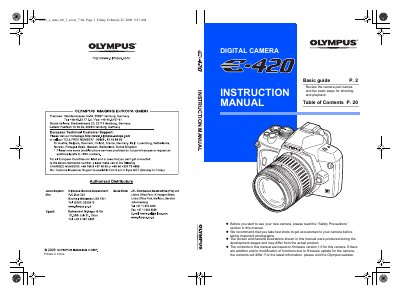
This document serves as a basic guide for the Olympus E-420 digital camera. It begins by listing the physical parts of the camera, such as the mode dial, shutter button, lens release button, and various ports including CF and xD-Picture Card slots.
The guide details how to operate the camera using different shooting modes, ranging from easy scene modes like Portrait and Landscape to advanced manual settings for aperture and shutter speed. It also explains the functions of the LCD monitor, live view, super control panel, and remote control capabilities.
You are recommended to take test shots to get accustomed to your camera.
The built-in flash pops up automatically when lighting is low.