
This manual explains the basic operation of the E-410 camera, including camera preparation and settings, basic camera operation from easy techniques for shooting to playback and erase functions.
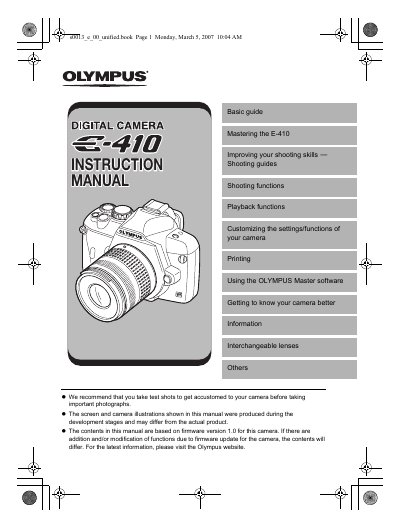
This document serves as a basic guide for mastering the Olympus E-410 digital camera. It provides step-by-step instructions on preparing the battery, attaching lenses, loading memory cards, and adjusting viewfinder settings. The manual also explains how to set the date and time before use.
The guide details various shooting functions including scene modes, flash operations, and white balance adjustments. It further covers playback features such as image editing, resizing, rotating, and printing via PictBridge.
| Battery Type | Lithium ion battery (BLS-1) |
|---|---|
| Memory Card Support | CompactFlash, Microdrive, xD-Picture Card |
While looking through the viewfinder, rotate the diopter adjustment dial little by little until you can see the AF frame clearly.
The dust reduction function is automatically activated to remove dust from the image pickup device's filter surface using ultrasonic vibrations.
The time is displayed in the 24-hour format.