
This is an instruction manual for a digital camera produced by Olympus.
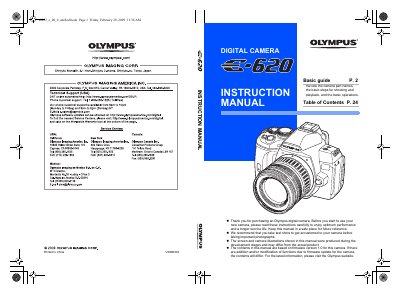
This manual provides instructions for using the Olympus E-620 digital camera. It begins with an overview of the camera's physical parts, including the mode dial, viewfinder, LCD monitor, and various buttons such as the shutter release and self-timer/remote control lamp.
The guide details how to operate the camera in different shooting modes, ranging from easy-to-use scene modes like Portrait and Landscape to advanced manual settings for aperture and shutter speed. It also explains features such as the Super FP flash, image stabilizer, live view functionality on the LCD monitor, and the art filter/scene menu options.
You should take test shots to get accustomed to your camera.
The built-in flash pops up automatically in low-light conditions.
Functions with changes made to their settings are restored to the factory default settings.