
Olympus E-5 Digital Camera Basic Guide

This is a user manual for Olympus digital camera
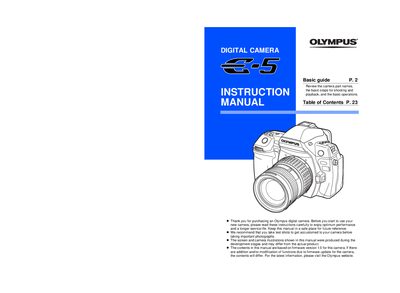

Olympus E-5 Digital Camera Basic Guide - cover page
Brand
Olympus
Category
Digital cameras
Document type
User Manual
Language
English
Pages
172
File format
PDF
File size
12 MB
Published
08 June, 2012
Updated
30 September, 2023
MD5 checksum
F30A42AC930D22F4816720549A1F8C55

About this manual

This manual serves as a basic guide for the Olympus E-5 digital camera. It provides essential information on using the camera's features, including shooting modes, image stabilization, and flash functions. The document includes diagrams of the control panel and LCD monitor to help users navigate settings such as white balance, ISO sensitivity, and exposure compensation.

What's inside

  • Camera Part Names
  • Control Panel
  • LCD Monitor (Live View)
  • LCD Monitor (Playback)
  • Shooting Modes
  • Image Stabilizer
  • Flash Functions
  • Memory Card Usage

Specifications

Firmware Version1.0

Frequently asked questions

How do I use the live view on the LCD monitor?

Press the IO button to use live view.

What should I do before taking important photographs?

You are recommended to take test shots to get accustomed to your camera.

How many sequential pictures can be stored?

The camera can store 144 sequential pictures.

Download PDF (12 MB)

More Olympus Manuals


View all Olympus manuals →