
Instructions on how to set the time and date of the recorder when recording, and the impact of time and date settings on the management of files in folder S (see “Notes on the Folders” for details), alarm playback function, and schedule alarm playback function.
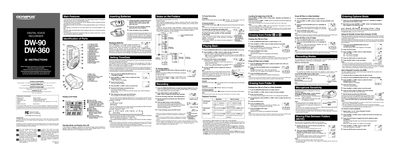
This manual provides step‑by‑step instructions for operating the Olympus DW‑90 digital voice recorder. It covers basic functions such as inserting batteries, setting the time and date, selecting recording modes, and using the Variable Control Voice Actuator (VCVA) to conserve memory.
Additional sections describe folder organization (folders A, B, and S), how to erase or move files, and how to configure alarm and schedule‑alarm playback. Safety notes and FCC/CE compliance information are also included.
| Model Number | DW-90, DW-360 |
|---|---|
| Battery Type | Two size‑AAA alkaline batteries (optional Ni‑MH rechargeable) |
| Maximum Files per Folder | 100 files per folder (A, B) and up to 100 files total in folder S |
| Recording Modes | HQ, SP, LP |
| Recording Time (DW‑90) – HQ Mode | ≈ 22 minutes |
| Recording Time (DW‑90) – SP Mode | ≈ 33 minutes |
| Recording Time (DW‑90) – LP Mode | ≈ 90 minutes |