
This document is an instruction manual for the Olympus Stylus-7020/μ-7020 and Stylus-7010/μ-7010 digital cameras. The manual includes information on prepping the camera for use, methods for capturing and playback of images, and printing options.
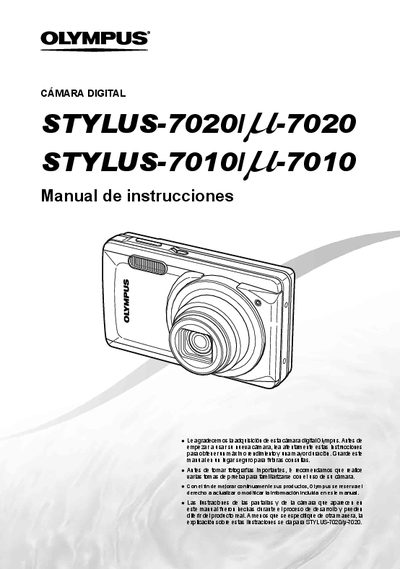
This manual provides an overview of the Olympus STYLUS-7020/7010 camera, including the items supplied in the box, how to prepare the camera for use, and detailed instructions for navigating the menu system. It describes the three main menu groups (Camera, Color, and Function) and explains shortcut buttons for quick access.
The guide also covers shooting modes, image and video settings, playback functions, printing options, and basic troubleshooting. Reference tables list button functions, screen displays, and part names to help users operate the camera efficiently. This manual is written in Spanish.
| Zoom preciso | available |
|---|---|
| Modo silencioso | available |
| ISO sensitivity | supported |
Use the FUNC menu or the dedicated buttons (zoom, flash, macro, etc.) to change shooting modes with fewer steps.
It enables silent shooting mode, reducing camera noise during operation.