
This is a user manual of a digital recorder of Olympus
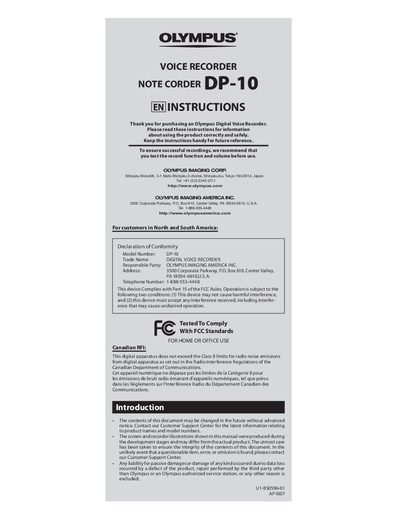
This manual provides step‑by‑step instructions for getting started with the Olympus DP‑10 digital voice recorder, including battery installation, power operation, recording modes, and how to set the time and date. It also covers playback functions, file management, and how to erase recordings by date.
Safety precautions, battery handling guidelines, and a troubleshooting section are included to help users avoid damage and resolve common issues such as power failures, no sound, or incorrect playback speed.
| Recording medium | Built-in flash memory (1 GB) |
|---|---|
| Overall frequency (HQ mode) | 70 Hz to 13 000 Hz |
| Overall frequency (SP mode) | 70 Hz to 8 000 Hz |
| Recording time (HQ mode) | Approx. 67 h |
| Recording time (SP mode) | Approx. 131 h |
| Microphone | Electret condenser (monaural) |
| Speaker | Built‑in 36 mm round dynamic speaker |
| Maximum power | 200 mW |
| Earphone jack | 3.5 mm, impedance 8 Ω or more |
| Power supply | Two AAA batteries or two Ni‑MH rechargeable batteries |
| Dimensions | 95 mm × 50 mm × 18.2 mm |
| Weight | 78 g (including battery) |
| Operating temperature | 0 °C – 42 °C |
Set the PLAY SPEED button to normal playback to correct fast or slow playback.
It indicates that the internal memory is full; delete unnecessary files before recording further.