
This document introduces the basic installation and configuration methods for Netgear WG511 wireless PC Card.
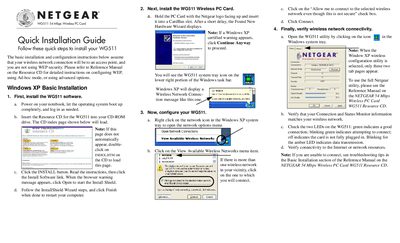
The guide walks you through installing the WG511 software, inserting the PC Card into a CardBus slot, and launching the utility from the system tray. It covers both Windows XP and older Windows versions (2000, Me/98), showing how to start the InstallShield wizard, finish the installation, and restart the computer.
After installation, the guide explains how to configure the wireless network settings, select an SSID, create and activate profiles, and verify connectivity using the status monitor and LED indicators. Troubleshooting tips point you to the full Reference Manual on the resource CD if you encounter connection problems.
| Maximum Data Rate | 54 Mbps |
|---|---|
| Form Factor | PC Card (CardBus) |
Insert the WG511 Resource CD, click the INSTALL button, follow the InstallShield wizard, and restart the computer when finished.
Click Yes to continue the installation.