
This is the user manual of NETGEAR 54 Mbps Wireless Router WGR614v8
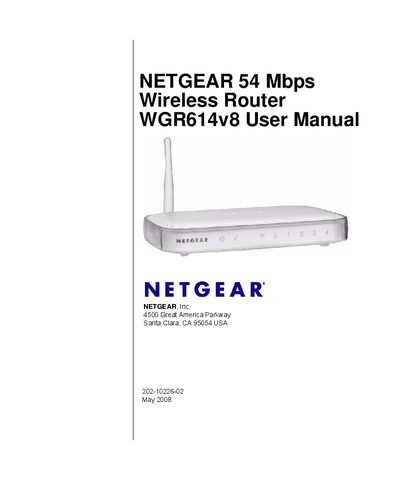
This manual covers everything needed to get the NETGEAR WGR614v8 Wireless‑G router up and running. It includes step‑by‑step guidance for connecting to the Internet using the Smart Wizard, configuring basic ISP settings, and testing wireless connectivity.
Later chapters explain how to secure the network with WEP, WPA‑PSK, WPA2‑PSK, and MAC filtering, customize LAN/WAN options, use advanced features such as QoS, WDS repeater mode, and remote management, and troubleshoot common issues. Technical specifications and regulatory compliance information are provided in the appendices.
| Wireless Data Rates | 1, 2, 5.5, 6, 9, 12, 18, 24, 36, 48, 54 Mbps |
|---|---|
| Dimensions | 28 × 175 × 119 mm (1.1 × 6.89 × 4.68 in.) |
| Weight | 0.26 kg (0.57 lb) |
| Operating Temperature | 0 °C to 40 °C (32 °F to 104 °F) |
| Power Adapter Input (North America) | 120 V, 60 Hz |
| Maximum Wireless Clients | Typically 30–70 nodes |
Register the product at http://www.netgear.com/register to receive faster technical support and upgrade notifications.
It supports 40‑bit (64‑bit) and 128‑bit WEP, as well as WPA‑PSK, WPA2‑PSK, and WPA‑PSK+WPA2‑PSK.
Yes, SSID broadcast is enabled out of the box.
The router can typically handle 30 to 70 wireless nodes, depending on traffic load.