
This manual describes the features and characteristics of the NETGEAR N600 Wireless Dual Band Gigabit ADSL2+ Modem Router DGND3700.
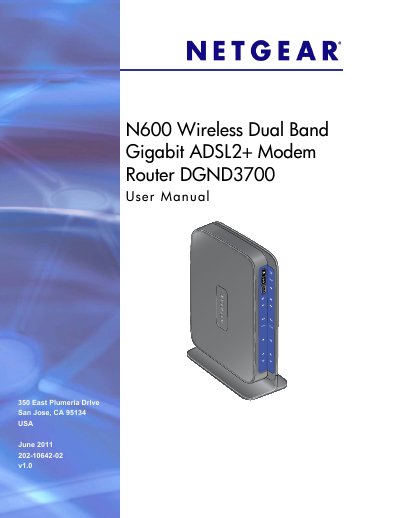
This manual guides you through the hardware setup of the N600 router, including unpacking, positioning, connecting ADSL microfilters, and attaching the ReadySHARE USB storage. It also describes the router's key features such as dual‑band Wi‑Fi, Gigabit Ethernet ports, and built‑in parental controls.
Further sections cover internet connection setup, wireless configuration, security settings, VPN tunneling, advanced WAN and QoS options, USB storage sharing, and detailed troubleshooting steps to resolve common connectivity issues.
| Physical Dimensions | 223 x 153 x 31 mm (8.8 x 6.0 x 1.2 in) |
|---|---|
| Weight | 0.5 kg (1.2 lb) |
| LAN Ports | Four 10/100/1000 (Gigabit) Ethernet ports |
| WAN Port | Gigabit Ethernet (RJ‑45) and ADSL2+ (RJ‑11) |
| USB Ports | Two USB 2.0 ports |
| Processor | Dual‑core 400 MHz each |
| Memory | 128 MB flash, 128 MB RAM |
| Operating Temperature | 0 °C to 40 °C (32 °F to 104 °F) |
Use the Restore function in the Maintenance menu to reset the router to its factory defaults.
Follow the VPN Tunnel Configuration steps in Chapter 7 to create and activate client‑to‑gateway or gateway‑to‑gateway VPN tunnels.
Connect a USB drive, then enable ReadySHARE® USB storage access in the USB Storage settings to share files on the network.