
This document introduces the setup method of NETGEAR RangeMax™ NEXT wireless access point WN802T.
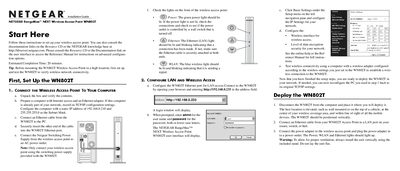
The guide starts with unpacking the WN802T, connecting power and Ethernet, and verifying the LED indicators. It then shows how to configure the device via a web browser, set basic LAN and wireless settings, and secure the network.
After configuration, the document explains how to mount the access point, connect it to your network infrastructure, and verify wireless connectivity. Troubleshooting tips and technical support information are provided for common issues such as missing LEDs or inability to access the device.
| Default IP address | 192.168.0.233 |
|---|---|
| Default subnet mask | 255.255.255.0 |
| Power supply | Netgear Switching Power Supply |
Power‑cycle the access point by unplugging and re‑plugging its power source; if the light remains off, contact NETGEAR.