
This document is the D-Link DSL-320B User Manual, which introduces the features and characteristics of the product, including package contents, system requirements, functions, hardware overview, installation, setup, and troubleshooting.
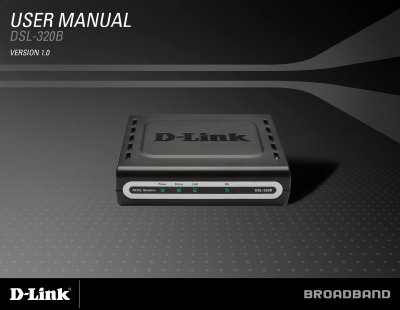
This manual explains how to install and operate the D-Link DSL-320B ADSL modem. It covers hardware overview, power‑on procedures, and required system specifications.
Key sections include installation steps, the web‑based configuration utility, advanced settings such as PPPoE, static IP and bridge mode, troubleshooting tips, and a full list of technical specifications.
| Downstream Data Rate (G.dmt) | up to 8 Mbps |
|---|---|
| Upstream Data Rate (G.dmt) | up to 1 Mbps |
| LAN Interface | RJ‑45 10/100BASE‑T Ethernet |
The default IP address is 192.168.1.1.
Press and hold the reset button for at least seven seconds while the device is powered on.
The modem supports a downstream rate of up to 8 Mbps using the G.dmt standard.