
This manual introduces the installation and use of D-Link DCS-900 Internet Camera.
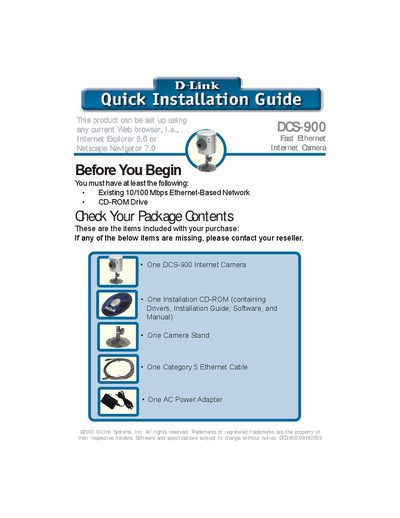
This guide walks you through the steps needed to install the DCS-900 Internet Camera. It starts with checking the package contents, connecting the power adapter and Ethernet cable, and confirming LED indicators. The hardware installation section explains how to attach the swivel stand and power supply.
The guide then details the software setup using the InstallShield wizard, including driver installation, admin password configuration, and IP address settings. It also provides tips for viewing the video stream via a web browser or the Xplug control, and lists technical support contact information.
| Network Speed | 10/100 Mbps Fast Ethernet |
|---|---|
| Power Adapter | AC Power Adapter included |
| Cable Included | Category 5 Ethernet Cable |
The default admin ID and password are blank; you must change them in the Setup Wizard by entering a new ID and password.