
This document is the user manual for the D-Link DVG-5121SP VoIP Telephone Adapter. The manual provides an overview of the product, its features, and hardware description.
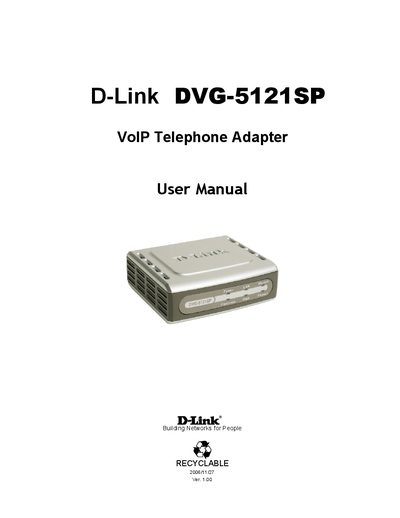
The DVG-5121SP is a VoIP telephone adapter that converts analog telephones and fax machines to IP devices, supporting voice, fax, and various audio codecs. It includes two FXS ports for analog phones, an FXO PSTN lifeline port, and Ethernet ports for network connectivity.
This manual covers hardware description, package contents, installation, basic and advanced network settings, SIP configuration, VoIP features, security options, tools, status monitoring, and Telnet access, guiding users through configuration and troubleshooting.
| WAN Ethernet Port | One RJ-45 10/100Mbps auto-MDI/MDIX |
|---|---|
| LAN Ethernet Port | One RJ-45 10/100Mbps auto-MDI/MDIX |
| FXS Ports | Two RJ-11 ports for analog phones |
| FXO PSTN Lifeline Port | One RJ-11 port |
| Management Interface | Web‑based and Telnet access |
| Remote Firmware Upgrade | Via TFTP or FTP |
| Power LED | Indicates device is powered on |
It has one RJ‑45 10/100Mbps auto‑MDI/MDIX Ethernet port for WAN and one for LAN.
Enable Telnet and connect to 192.168.1.1, then log in with the admin username and a blank password.
The Power LED lights when the DVG-5121SP is powered on.
Two FXS RJ‑11 ports are used for analog phones, and one FXO RJ‑11 port connects to the PSTN line.