
D-Link DAP-1350 User Manual, introduces the features of the DAP-1350 product, hardware connection, installation configuration and use methods.
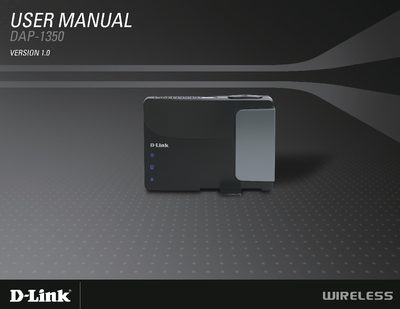
The DAP-1350 is a Wireless N range extender that can operate in Access Point, Wireless Client, or Router mode. It supports IEEE 802.11n and is backward compatible with 802.11b/g, offering up to 300 Mbps wireless throughput.
The manual covers hardware overview, system requirements, installation steps, configuration wizards, security settings, and advanced wireless options, helping users quickly set up and secure their wireless network.
| Maximum wireless signal rate | 300Mbps |
|---|---|
| Wi‑Fi standard | IEEE 802.11n |
It can achieve up to 300 Mbps.
It supports WPA‑PSK, WPA2‑PSK, and WEP.
It can work as an Access Point, a Wireless Client, or a Router.
An Ethernet‑based cable or DSL modem, IEEE 802.11n/g wireless clients, and a 10/100/1000 Ethernet connection are required.