
The MAX13041 is a ±80V fault-protected, high-speed controller area network (CAN) transceiver from Texas Instruments.
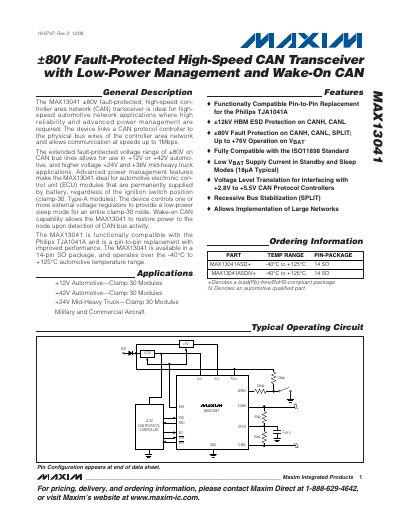
The MAX13041 CAN transceiver provides fault‑protected communication for automotive networks, supporting up to 1 Mbps data rates and a wide voltage range (±80 V) suitable for +12 V, +24 V, +36 V, and +42 V applications. It includes low‑power sleep mode, wake‑on‑CAN capability, and is pin‑compatible with the Philips TJA1041A.
The device is offered in a 14‑pin SO package, operates from –40 °C to +125 °C, and features built‑in ESD protection (±12 kV HBM). Detailed electrical characteristics, timing diagrams, and pin functions are provided for designers.
| Operating Voltage (VCC) | 4.75 V – 5.25 V |
|---|---|
| I/O Voltage (VI/O) | 2.80 V – 5.25 V |
| Battery Voltage (VBAT) | 5 V – 76 V |
| Fault‑Protection Voltage Range | ±80 V on CAN bus lines |
| Operating Temperature Range | -40 °C – +125 °C |
| Package | 14‑pin SO |
| Standby Current (VCC) | 1.8 µA typical |
| ESD Protection (HBM) | ±12 kV |
The device provides ±80 V fault protection on the CAN bus lines.
Typical standby current is 1.8 µA.
Yes, it is functionally compatible and a pin‑to‑pin replacement for the Philips TJA1041A.
It is supplied in a 14‑pin SO (Small‑Outline) package.