
This document is the user guide for Linksys Dual-Band Wireless-N USB Network Adapter WUSB600N
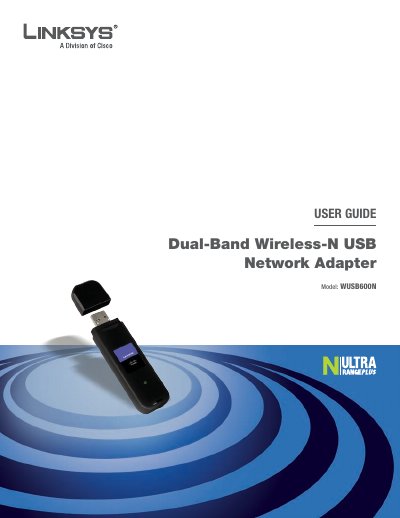
This guide covers the Linksys Dual‑Band Wireless‑N USB Network Adapter (model WUSB600N). It includes a product overview, LED indicators, and instructions for installing and configuring the adapter on Windows systems. The guide also explains wireless security best practices, such as changing the default SSID and password, enabling MAC filtering, and using WPA/WPA2 encryption.
Advanced configuration is performed through the Wireless Network Monitor, which lets you view status, connect to networks, create profiles, and use Wi‑Fi Protected Setup. Appendices provide troubleshooting steps, OS‑specific configuration details, full technical specifications, warranty information, and regulatory notices.
| Model | WUSB600N |
|---|---|
| Standards | IEEE 802.11a, b, g, Draft 802.11n |
| Number of Antennas | 2 internal |
| Transmit Power (2.4 GHz) | <16 dBm (Typical) |
| Transmit Power (5 GHz) | <16 dBm (Typical) |
| Receive Sensitivity (2.4 GHz) | <‑91 dBm (Typical) |
| Security Features | WEP, WPA, WPA2 |
| Power Consumption (TX) | 480 mA (Maximum) |
The default SSID is "Linksys"; you should change it to a unique name in the adapter’s configuration settings.
The adapter supports WEP, WPA, and WPA2 security protocols.
Press the W‑F‑Protected Setup button on the router, then within two minutes click the same button on the adapter’s monitor to connect automatically.