
This document introduces the use of Instant EtherFast® Series EtherFast 10/100 Auto-Sensing Hubs products.
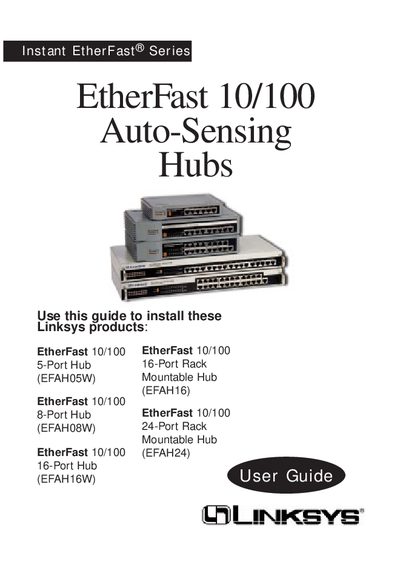
The Instant EtherFast 10/100 Auto‑Sensing Hub series from Linksys offers fast, economical Ethernet connectivity with ports that automatically sense 10 Mbps or 100 Mbps speeds. Models range from 5‑port desktop units to 24‑port rack‑mountable hubs, all featuring a built‑in uplink port and diagnostic LEDs.
The guide covers network planning, step‑by‑step installation, LED indicator meanings, optional fiber‑optic expansion modules, mounting instructions, wiring specifications, and troubleshooting. It also includes a specifications table and customer‑support contact information.
| Number of RJ‑45 ports | 10/100 RJ‑45 ports per hub |
|---|---|
| Uplink port | Built‑in 10/100 uplink port |
| Maximum cable length | 100 meters (328 ft) |
| Maximum distance between two 100BaseTX hubs without a switch | 5 meters (16.4 ft) |
Connections must use Category 5 unshielded twisted‑pair (UTP) cabling, with each cable not exceeding 100 meters (328 ft).
Only two 100 Mbps Fast Ethernet hubs can be cascaded; more requires a switch or repeater.