
This user guide introduces the installation of Linksys WGA54G Wireless-G Game Adapter.
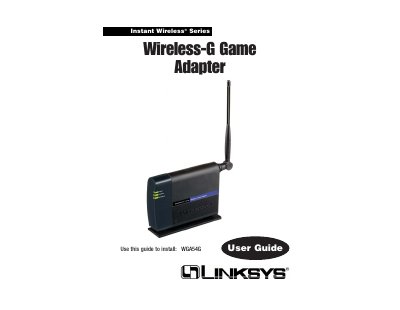
The Wireless‑G Game Adapter lets wired game consoles connect to a wireless network, enabling head‑to‑head play or online gaming without cables. It works with PlayStation 2, Xbox, GameCube and any 802.11b/g‑compatible network.
This guide covers unpacking, LED indicators, fast head‑to‑head setup, detailed network configuration via the Setup Wizard, the web‑based utility, regulatory compliance, warranty details and troubleshooting tips.
| Maximum data rate | 54 Mbps |
|---|---|
| Operating frequency | 2.4 GHz |
| Wireless standards compatibility | 802.11b and draft 802.11g |
| Security | Up to 128‑bit WEP |
| Power LED indicator | Lights when powered on |
Connect the included Ethernet cable between the adapters’ LAN ports, plug in power, and run the Easy Setup Wizard to verify the settings.
Linksys provides a three‑year limited warranty covering defects in material and workmanship.