
This document is a getting started guide for the Linksys Business Series Network Storage System (NSS4000 and NSS6000 series), providing installation and configuration steps for the product.
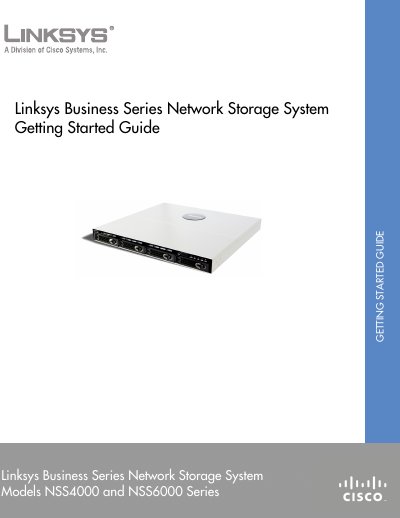
This guide introduces the Linksys Business Series Network Storage System (NSS) and explains its cross‑platform file sharing capabilities. It covers the recommended installation sequence, hardware installation, and initial configuration steps for both standalone and Linksys One environments.
The document also details LED and button indicators, provides instructions for user access via CIFS/SMB, NFS, FTP, and includes troubleshooting tips, contact information and optional features such as RAID creation, volume snapshots, and scheduled backups.
| Maximum disk drives | 4 |
|---|---|
| Maximum Ethernet links | 2 |
The NSS can hold up to four physical disk drives.
You can connect up to two Ethernet links to the NSS.