
This document is the user guide for Linksys WAP610N Wireless-N Dual-Band Access Point
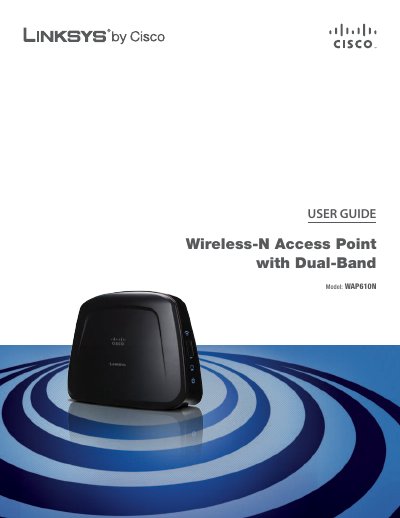
This guide introduces the Linksys WAP610N dual‑band Wireless‑N Access Point, describing its LEDs, ports, and basic operation. It helps users install the device, configure wireless settings, and secure the network.
Key sections cover the product overview, a wireless security checklist, advanced configuration (including Wi‑Fi Protected Setup, MAC filtering, and WPA/WPA2 settings), troubleshooting, technical specifications, warranty, regulatory information, and the software end‑user license agreement.
| Model | WAP610N |
|---|---|
| Standards | IEEE 802.3u, 802.11g, 802.11b, 802.11a, Draft 802.11n |
| LEDs | Power, Ethernet, Wi‑Fi Protected Setup™, Wireless |
| Ports | Ethernet, Power |
| Antennas | 3 (internal) |
| Receive Sensitivity – 802.11a | -72 dBm |
Press and hold the Reset button for about five seconds, or use the Administration > Factory Defaults screen in the browser‑based utility.