
This document is a user guide for the Wireless-N Gigabit Router Model WRT310N. It contains notes, warnings, and links to relevant websites and resources.
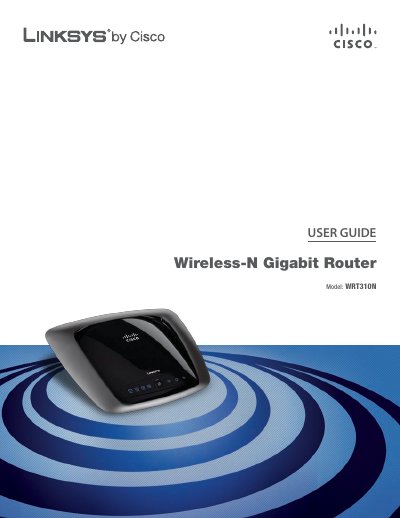
This guide introduces the Linksys WRT310N Wireless‑N Gigabit Router, describing its hardware features, LED indicators, and mounting options. It explains how to install the router, reset it, and connect it to the Internet.
The manual covers wireless security best practices, advanced configuration (including DHCP, PPPoE, VPN passthrough, and QoS), application settings, administration tools, status monitoring, troubleshooting, and a full specification sheet.
| Model | WRT310N |
|---|---|
| Standards | 802.11n, 802.11g, 802.11b, 802.3, 802.3u, 802.3ab |
| Ports | Ethernet (1‑4), Power, Internet |
| Number of Antennas | 3 |
| RF Power (EIRP) | 17 dBm |
| Antenna Gain | Main 1.5 dBi, Third 2.2 dBi |
| Power Supply | 12 V |
| Dimensions | 7.95" x 6.3" x 1.34" (202 mm x 160 mm x 34 mm) |
| Weight | 13.40 oz (0.38 kg) |
| Operating Temperature | 32 °F to 104 °F (0 °C to 40 °C) |
| Certifications | FCC, CE, IC‑03, Wi‑Fi |
Press and hold the Reset button for about five seconds, or use Administration > Factory Defaults in the web utility.
Enter 192.168.1.1 in a web browser’s address bar.
The default password is "admin".