
This file introduces the basic use of linksys pap2, including connection to the network, restoration of factory settings, and entry into the management page.
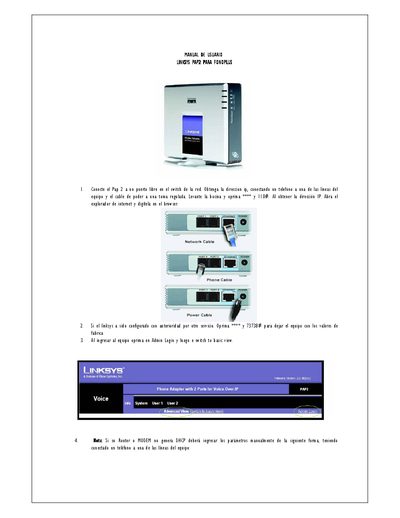
This manual explains how to connect the Linksys PAP2 to a network, obtain its IP address by attaching a telephone, and access the web interface for configuration. It also covers resetting the device to factory defaults and switching between basic and advanced views.
Further sections detail network configuration (DHCP or static IP), proxy settings, codec selection (G729), NAT options, and how to verify line status. The document includes tables of parameters and example values for proxy servers and SIP settings. This manual is written in Spanish.
| Preferred Voice Codec | G729 |
|---|
Connect a telephone to one of the device's lines, power it on, and read the displayed IP address, then enter it in a web browser.
Press the factory reset button on the device.
Enter the proxy IP address 66.150.247.199 and line 2 address 66.150.247.190 in the Proxy configuration option.
Select the G729 codec as the preferred codec.