
Linksys SPA-942 is a VoIP phone from Linksys that supports voice mail, call forwarding, and do not disturb
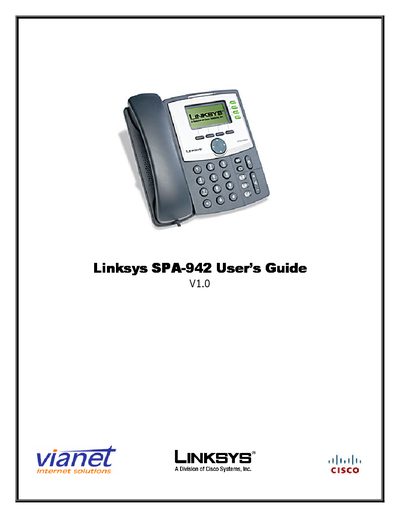
This guide covers the Linksys SPA-942 VoIP phone, describing its LCD display, soft keys, and button functions. It explains how to place, answer, hold, transfer, and conference calls, as well as how to use voicemail and additional phone features.
The manual also details how to manage call history, adjust settings such as contrast and ring type, and access voicemail from remote locations, helping users get the most out of their SPA-942 phone.
| Display | LCD screen showing time, date, phone number, caller ID, call status |
|---|---|
| Soft keys | Activate functions displayed on the LCD bottom row |
| Volume control | Adjusts handset, speaker, and ringer volume |
| Headset button | Allows use of a headset |
Press the “dnd” soft key to enable Do Not Disturb.
Press the “cfwd” soft key and enter the number to forward to; press “-cfwd” to stop forwarding.
Dial your office number, enter 8500, then your mailbox number and password.