
This document is about the copyright statement and basic configuration guide for the Tenda Wireless-N Broadband Router. The document mentions that the router is a registered trademark of Shenzhen Tenda Technology Co., Ltd. and features wireless functionality and network configuration settings.
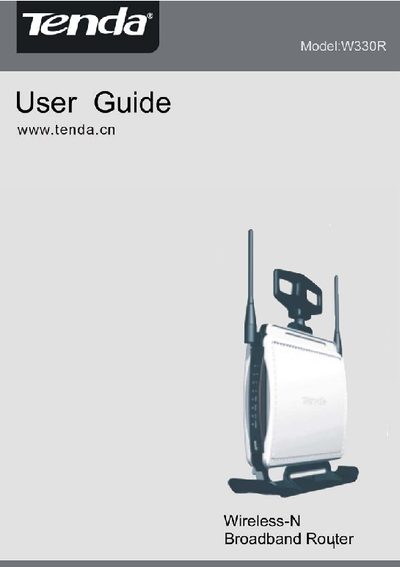
This guide introduces the Tenda W330R router, its hardware components, and the contents of the package. It explains the rear and front panel layout, required accessories, and basic installation steps.
The manual then covers network configuration, including WAN and LAN settings, wireless modes, security options, DHCP, virtual servers, traffic control, and advanced routing features. Appendices list product specifications and additional features such as WPS, WMM, and firewall settings.
| Maximum data rate | 300 Mbps |
|---|---|
| LAN ports | Four Gigabit Ethernet ports |
| Security protocols | WEP, WPA, WPA2, 802.1x |
| WPS support | PBC and PIN |
| MIMO technology | Increases transmission range 8× |
| Firewall | Built‑in firewall |
Select “Restore to Factory Default Settings” in the web management interface.
It supports 64/128‑bit WEP, WPA, WPA2, and 802.1x authentication.
Use the Firmware Upgrade option in the router’s web‑based configuration utility.
The rear panel includes RJ‑45 ports for network connections and a Reset button.