
This guide introduces the features of the W54A 54M Wireless AP product and how to install, configure and use the product.
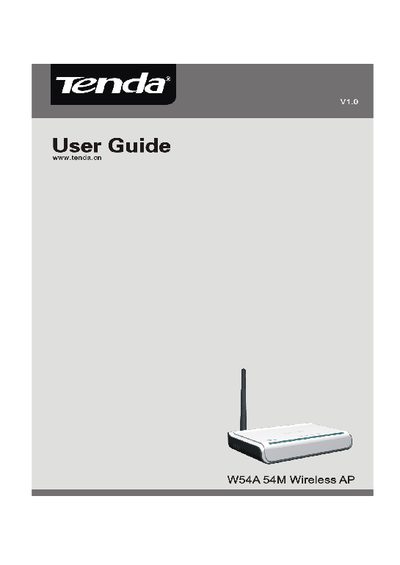
The W54A wireless access point complies with IEEE 802.11b/g standards and offers five operation modes, including AP and various bridge modes. It supports up to 54 Mbps data rates, a 10/100 Mbps Ethernet port, detachable antenna, and security features such as WEP, WPA, and WPA2.
This guide walks users through hardware installation, web‑based configuration, radio settings, and system tools such as password change, firmware upgrade, and factory reset. Appendices cover TCP/IP settings and a glossary of terms.
| Maximum data rate | 54 Mbps |
|---|---|
| Ethernet port | One 10/100 Mbps Auto‑Negotiation port |
| Coverage range | 150 m indoors, 400 m outdoors |
| Antenna | Detachable |
The default IP address is 192.168.0.254.
It has one 10/100 Mbps Auto‑Negotiation Ethernet port.
Log in to the web interface and use System Tools → Change password.