
The Tenda A5 Travel Wireless N Router User Manual provides setup, configuration, and management instructions for the 150 Mbps portable router.
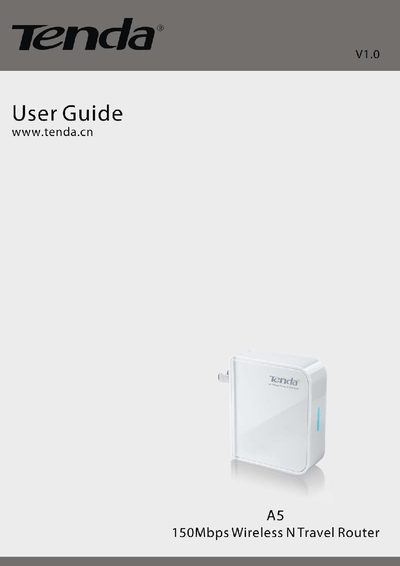
The Tenda A5 Travel Wireless N Router is a compact 150 Mbps router designed for use in hotels, job sites, or any location where a quick wireless network is needed. It supports both wired and wireless WAN connections and can serve up to 10 users simultaneously.
This manual covers product overview, hardware installation, wired and wireless WAN setup, detailed configuration options—including WAN, LAN, wireless security, MAC filtering, and advanced tools such as firmware upgrade, syslog, and backup/restore. Appendices list features and regulatory compliance information.
| Maximum wireless speed | 150 Mbps |
|---|---|
| LAN/WAN port speed | 10/100 Mbps auto‑negotiation |
| Supported wireless security modes | WEP, WPA‑PSK, WPA2‑PSK, WPA&WPA2‑PSK |
| Additional network features | SNTP, UPnP, DDNS, virtual server, DMZ, syslog |
Press the Reset button for 7 seconds; the router will restore to factory default settings.
It supports WEP, WPA‑PSK, WPA2‑PSK, and WPA&WPA2‑PSK security modes.
The router can support up to 10 users simultaneously.
Use the Tools menu and select Firmware Upgrade to update the router’s firmware.