
11N Wireless USB Adapter User Guide, describing the features and characteristics of the product.
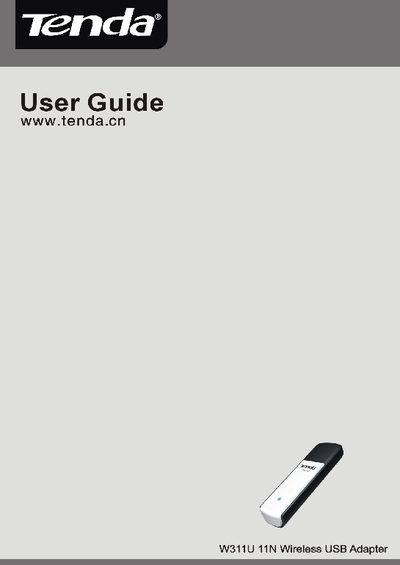
This guide introduces the Tenda W311U 11N Wireless USB Adapter, describing its compliance with IEEE 802.11n, 802.11g/b standards and its key features such as Soft AP, WPS, and WMM for smoother voice and video streaming. It also outlines typical deployment scenarios for office and home use.
Installation steps are detailed, including inserting the adapter into a USB port, using the provided CD‑ROM with a Setup Wizard, and configuring advanced options like Xlink Kai for gaming. The manual also covers indicator meanings, package contents, and troubleshooting tips.
| IEEE 802.11n (Draft 2.0) compliance | Supported |
|---|---|
| USB interface | USB 2.0 |
| Maximum data rate | 150 Mbps receiving / 150 Mbps sending |
| Channel bandwidth | 20 MHz / 40 MHz |
| Operating modes | Infrastructure and Ad‑Hoc |
| Soft AP support | Yes |
| Security protocols | WEP 64/128‑bit, WPA, WPA2, 802.1x, WPS |
| WMM support | Yes |
Insert the adapter into a USB port, then run the Setup Wizard from the included CD‑ROM or follow the on‑screen prompts to install the driver.
The adapter supports 64/128‑bit WEP, WPA, WPA2, 802.1x authentication, and WPS for easy password setup.
Yes, the W311U can operate in Soft AP mode to create a wireless LAN without a router.
It can achieve up to 150 Mbps for both receiving and sending.