
This user guide introduces the features and usage of Tenda wireless network adapter products.
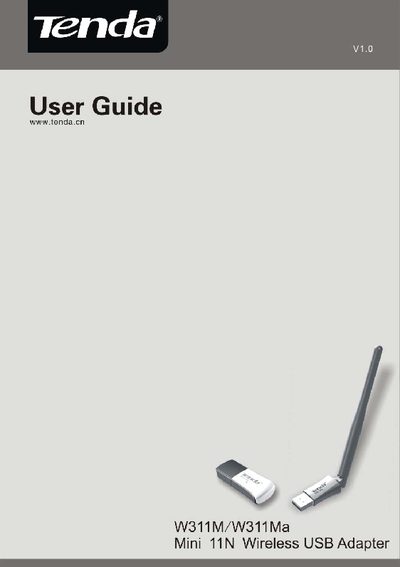
This guide introduces the Tenda W311M/W311Ma Mini 11N Wireless USB Adapter, describing its package contents, LED indicator behavior, and key features such as 150 Mbps data rate, IEEE 802.11n compliance, and dual work modes. It also explains recommended usage scenarios and the benefits of WPS and WMM support.
The manual walks users through installation steps, driver setup, disabling other manufacturers' adapters, and configuring client and AP modes on Windows and other operating systems. Appendices include product specifications, a quick FAQ, and regulatory compliance information.
| Maximum wireless data rate | 150 Mbps |
|---|---|
| Wi‑Fi standard | IEEE 802.11n (compatible with 802.11b/g) |
| Interface | USB 2.0 |
| Channel bandwidth | 20 MHz / 40 MHz |
| Security encryption | 64/128‑bit WEP, WPA, WPA2 |
| QoS support | WMM |
| LED indicator behavior | Steady on when normal, flashes during data transfer |
Open Device Manager, select the other wireless adapter, right‑click and choose “Disable”.
The LED stays on when the adapter is working correctly and flashes while data is being transferred.
The adapter supports up to 150 Mbps wireless transmission rate.
It complies with IEEE 802.11n and is compatible with IEEE 802.11b/g devices.