
This manual introduces the features of the 11N Wireless USB Adapter, product deployment, indicator description, package contents and installation guide.
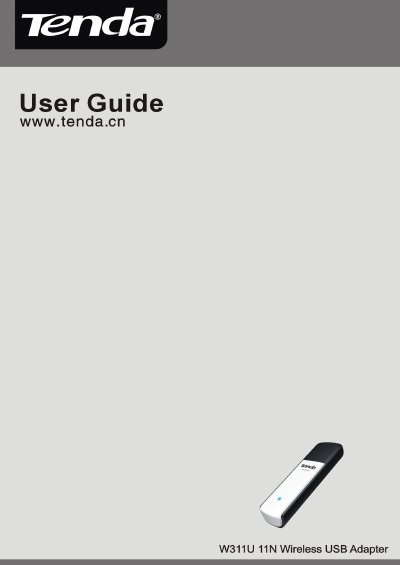
This guide introduces the Tenda W311U 11N Wireless USB Adapter, detailing its IEEE 802.11n/g/b compliance, USB‑2.0 interface, and supported wireless modes such as Infrastructure, Ad‑Hoc, and Soft AP. It also covers key features like WPS, WMM, and WPA/WPA2 security.
Installation steps, indicator descriptions, and configuration instructions for utilities like Xlink Kai are provided, helping users set up the adapter quickly and troubleshoot common issues.
| Wireless Standards | IEEE 802.11n (Draft 2.0), 802.11g, 802.11b |
|---|---|
| USB Interface | USB 2.0 |
| Data Rate | 150 Mbps receiving and sending |
| Channel Width | 20 MHz / 40 MHz |
| Operating Modes | Infrastructure, Ad‑Hoc, Soft AP |
| WPS Support | Wi‑Fi Protected Setup |
| WMM Support | Yes |
| Security Encryption | WPA/WPA2 (64/128‑bit), 802.1x |
Insert the adapter into a USB port, then run the Setup Wizard from the included CD‑ROM or follow the on‑screen prompts.
The front‑panel LED blinks when data communication is occurring.
The adapter supports IEEE 802.11n (Draft 2.0), 802.11g, and 802.11b.
Yes, the adapter supports WPS (Wi‑Fi Protected Setup) to simplify connection without entering a long password.