
This document introduces the maintenance and refurbishment instructions for Brother HL-6050 series laser printer DR600 drum cartridge
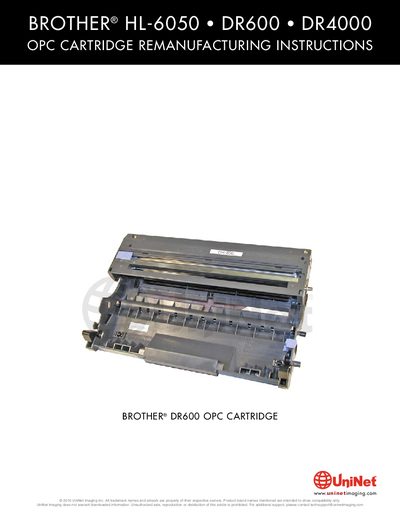
This manual provides detailed instructions for disassembling, cleaning, and re‑assembling the DR600/DR4000 OPC cartridge used in Brother HL‑6050 laser printers. It covers the supplies and tools needed, each removal and installation step, and safety precautions.
The document also includes a reset procedure for the cartridge counter and a troubleshooting section that explains common print quality issues such as gray streaks, light prints, and missing spacers, helping technicians restore optimal performance.
| Estimated drum life | up to 30,000 pages |
|---|---|
| Print coverage reference | 5% (A4 or letter size) |